
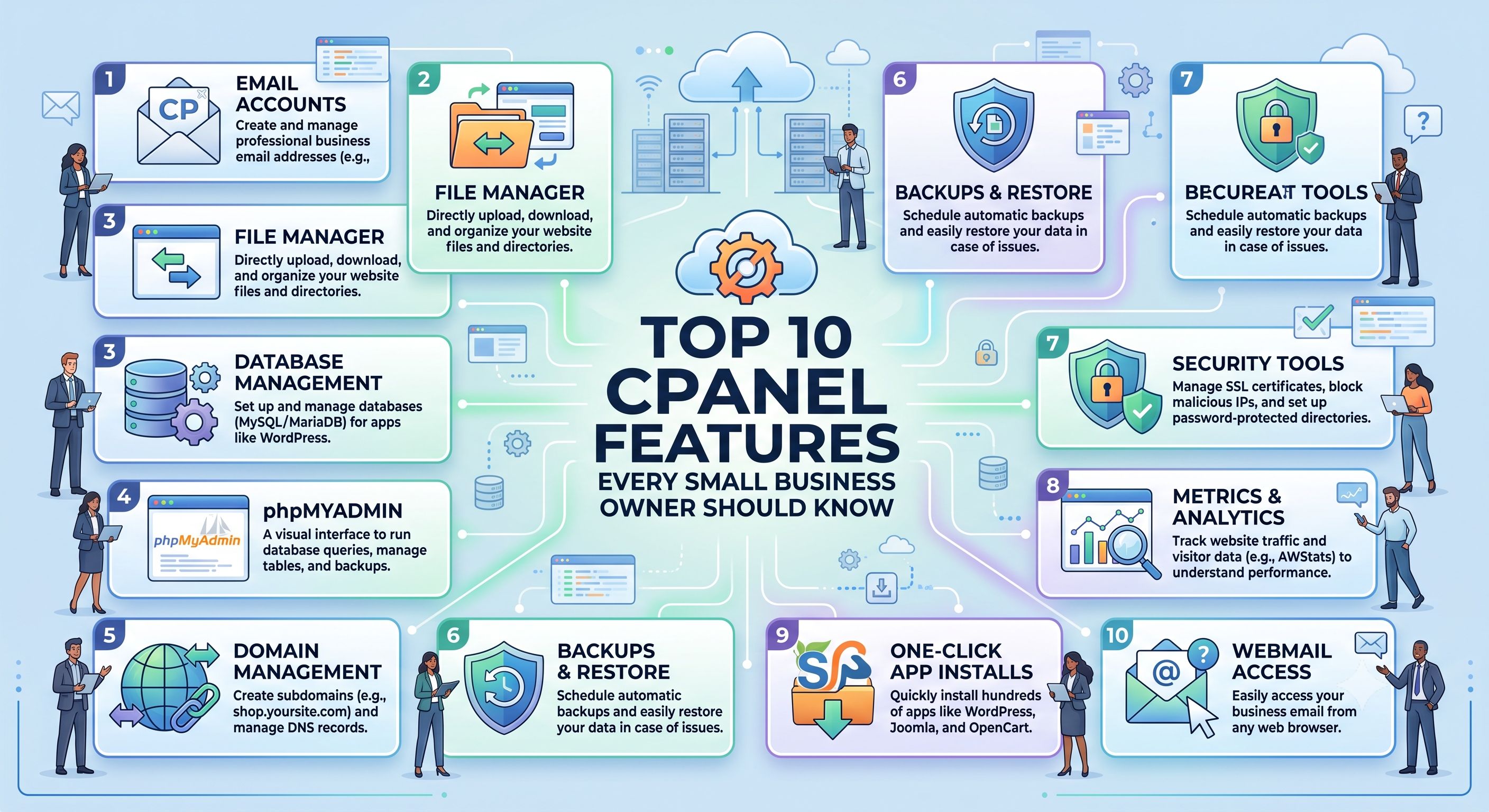
cPanel comes packed with dozens of tools, but most small business owners only ever need a handful of them. Here are the 10 features that deliver the most practical value — explained without the jargon — so you can manage your Cloudy24-hosted website like a pro.
1. File Manager
Skip the FTP client. File Manager lets you upload, edit, and organize your website's files directly in your browser. Perfect for quick fixes — replacing a logo, editing a text file, or uploading new images — without installing anything extra.
Use it when: you need to make a fast change without a developer.
2. Softaculous App Installer
This is the single most time-saving feature for beginners. Instead of manually installing WordPress or another CMS (which involves creating databases, uploading files, and configuring settings by hand), Softaculous does it all in a few clicks.
Use it when: launching a new site or installing a new app like a forum or gallery.
3. Email Accounts
Set up professional email addresses on your own domain (you@yourbusiness.com) instead of relying on free email providers. You can also configure autoresponders for out-of-office replies and forwarders to route mail to your personal inbox.
Use it when: onboarding new team members or replacing a generic Gmail address with a branded one.
4. SSL/TLS Manager (AutoSSL)
Every website needs HTTPS — both for visitor trust and for search rankings, since Google factors secure connections into how it ranks pages. Most modern hosts, including Cloudy24, offer free SSL certificates you can activate directly here.
Use it when: setting up a new domain or renewing security certificates.
5. Backup Wizard
Regular backups are your safety net. This tool lets you download a complete backup of your website, or restore from an existing one, protecting you against accidental deletions, bad plugin updates, or worse.
Use it when: before making any major change to your site, or on a recurring schedule.
6. MySQL Databases
Your website's content — posts, products, user accounts — is stored in a database. While most CMS platforms manage this automatically, it's useful to know where your data lives, especially if you ever need to troubleshoot with a developer.
Use it when: working with a developer on custom features, or diagnosing a site issue.
7. Cron Jobs
Cron Jobs let you automate repetitive tasks — like sending scheduled emails, running backups, or triggering scripts — without manually doing them yourself. More advanced, but powerful once you need automation.
Use it when: you want a recurring task (like a weekly report or backup) to run automatically.
8. Redirects
If you've changed a page's URL or retired an old page, Redirects let you send visitors (and search engines) from the old address to the new one, preventing broken links and lost traffic.
Use it when: restructuring your site or retiring outdated pages.
9. Bandwidth and Resource Usage
This dashboard shows how much traffic and server resources your site is consuming — useful for understanding whether you're approaching your plan's limits, especially during high-traffic periods like sales or promotions.
Use it when: planning for a traffic spike or deciding whether it's time to upgrade your plan.
10. Domains (Addon Domains & Subdomains)
If you're running more than one website, or want a separate subdomain for a blog, store, or landing page, this is where you manage all of that — without needing separate hosting accounts for each.
Use it when: expanding your online presence with a new site or a dedicated blog/store subdomain.
Putting It All Together
You don't need to master every corner of cPanel to run a successful website. Focus on these 10 tools, and you'll be able to handle 90% of day-to-day website management yourself — saving time and money you'd otherwise spend outsourcing small tasks.
Cloudy24 Makes cPanel Even Simpler
Every Cloudy24 hosting plan — from ₹89/month — includes full cPanel access, paired with 24/7 human support in case any of these features trip you up. And if you're migrating from another host, Cloudy24's free migration service moves your existing cPanel setup over without you lifting a finger.
Get started at cloudy24.com — new users save 20% with code NEWUSER.
 Share on LinkedIn
