
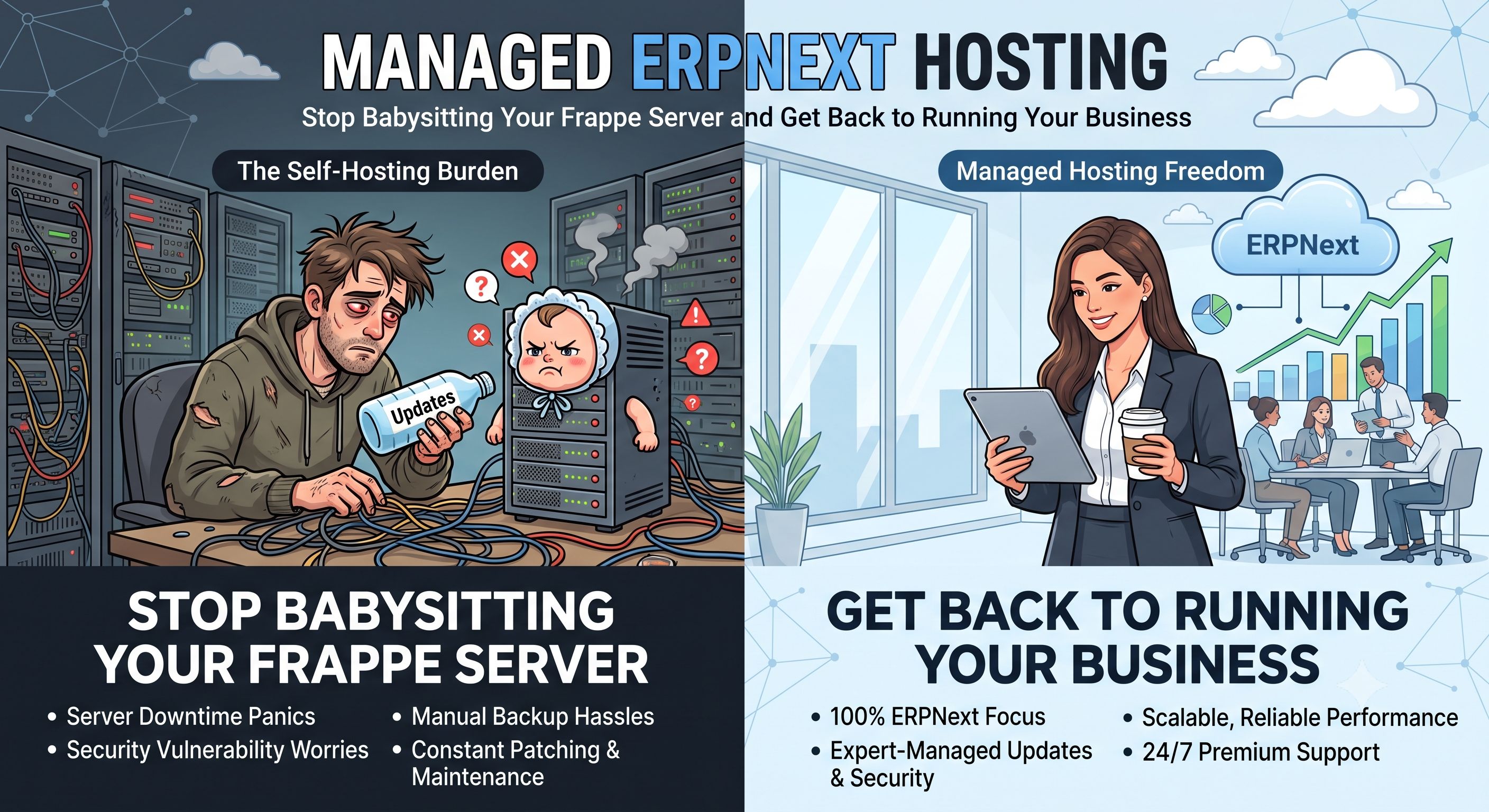
If your company runs accounting, inventory, HR, or manufacturing on ERPNext, you already know it's one of the most capable open-source ERP systems out there — and one of the most demanding to keep running well. ERPNext is built on the Frappe framework, and getting the two of them tuned correctly on a server isn't a five-minute job. That's the gap Cloudy24's ERPNext Hosting plan is built to close.
What ERPNext actually needs from a server
ERPNext isn't a simple PHP app you can drop onto any shared host. A healthy ERPNext 15.x install needs:
- Python 3.11 with the full set of Frappe virtual environment dependencies
- MariaDB 10.6 — the database ERPNext recommends for handling large transaction volumes, complex reports, and multi-company data
- Redis 7.x to run Frappe's background job queue, caching layer, and socketio connections
- Node.js 18 for building Frappe's frontend assets
- Correctly tuned gunicorn worker counts, Redis socket connections, and MariaDB query caching — none of which are sensible defaults out of the box
Get any of these wrong and you feel it immediately: slow report generation, background jobs (emails, scheduled tasks) silently not running, or a scheduler that quietly stops firing. This is exactly the kind of thing that eats a founder's or IT admin's weekend instead of getting sorted by someone who does it daily.
Why self-managing Frappe/ERPNext gets old fast
Running your own ERPNext server means you're the one who has to:
- Provision and patch the OS and keep MariaDB, Redis, and Python versions compatible with ERPNext 15.x
- Size RAM correctly — under-provision it and report generation or bulk imports choke
- Set up and test backups, and actually verify you can restore from them
- Issue and renew SSL certificates
- Run
bench update,bench migrate, and manage custom app installs without breaking production - Handle security patching on your own schedule, because nobody else will
None of this is impossible — it's just a second job that has nothing to do with running your actual business.
What Cloudy24's Managed ERPNext Hosting handles for you
With Cloudy24, ERPNext 15.x arrives pre-installed and configured on Frappe — you log in and start setting up your company, chart of accounts, and users instead of setting up a server. Here's what's included:
- ERPNext 15.x pre-installed and configured before you ever log in
- Frappe framework optimised — gunicorn workers, Redis socket connections, and MariaDB query cache are all tuned for ERPNext workloads specifically
- MariaDB 10.6 for reliable handling of ERPNext's transaction and reporting load
- Redis for Frappe's queue, cache, and background jobs — so scheduled tasks and emails actually run
- Python 3.11 environment with all required packages pre-installed
- SSH access for full bench CLI — run
bench update,bench migrate,bench get-app,bench install-app, andbench restartyourself, whenever you need to - Daily automated backups of your ERPNext database and site files, so you can restore to a previous state if something goes wrong
- Free SSL provisioned automatically and renewed without any action from your team
- High-RAM plans starting at 2 GB and scaling up to 16 GB, so heavy report generation and bulk data imports don't grind your instance to a halt
- Free migration from your existing self-hosted ERPNext instance — our team handles the database, site config, uploaded files, and custom apps
You still control your ERPNext configuration — modules, workflows, custom apps. We manage the server underneath it.
Sizing and pricing
RAM is the main thing to get right on ERPNext, and the guidance is straightforward: 2 GB is a solid baseline for small teams (under 10 users), 4 GB suits 10–50 users running active reports and background jobs, and 8 GB or 16 GB is the right call for larger organisations or anyone running custom Frappe apps.
Cloudy24's ERPNext Hosting plans start from ₹1,499/mo, with pricing scaling up based on RAM and resources. Pricing stays the same at renewal, there's a 30-day money-back guarantee, and you can cancel any time.
Moving from self-hosted? It's handled.
If you're already running ERPNext yourself and dreading the migration, our team does the heavy lifting: a full site backup, file transfer, site restore on the new server, and a DNS cutover — typically with under 30 minutes of downtime. Custom apps are migrated and tested before we ever switch DNS over, so you're not flying blind on cutover day.
And if you rely on custom Frappe apps, SSH access means you can keep installing and updating them yourself with bench get-app and bench install-app — whether they come from your own Git repository or Frappe Cloud.
Get set up in under an hour
Managed ERPNext hosting means server setup, ERPNext pre-installation, SSL, daily backups, Redis and scheduler configuration, security patching, and 24/7 infrastructure monitoring are all off your plate — so your team can focus on running the business ERPNext is actually there to support.
Ready to move your accounting, inventory, HR, and manufacturing workflows onto a server built for them? Check out Cloudy24's ERPNext Hosting plans and get started from ₹1,499/mo.
 Share on LinkedIn